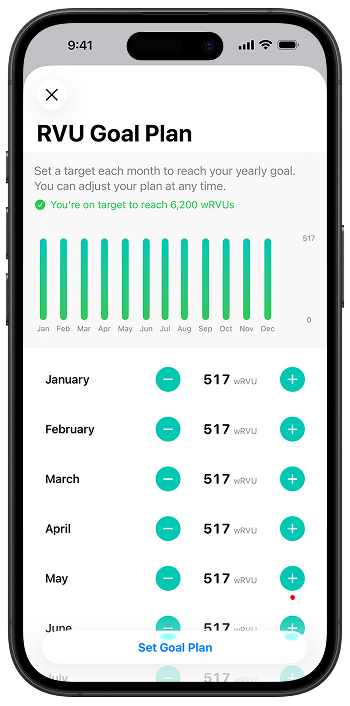
Set your yearly RVU Goal
- Tap the Profile icon in the top-right corner of the app.
- Tap Goals, then tap Set Your RVU Goal.
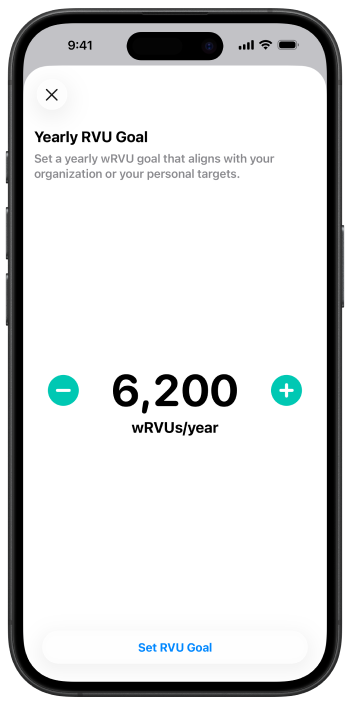
- Enter your annual RVU target that matches your contract or personal goals.
- Tap Set RVU Goal.
Put a number to your yearly RVU Goal and plan your monthly targets so RVU Wallet is configured to match your contract or personal goals.