RVU Wallet
User Guide
For the iOS app
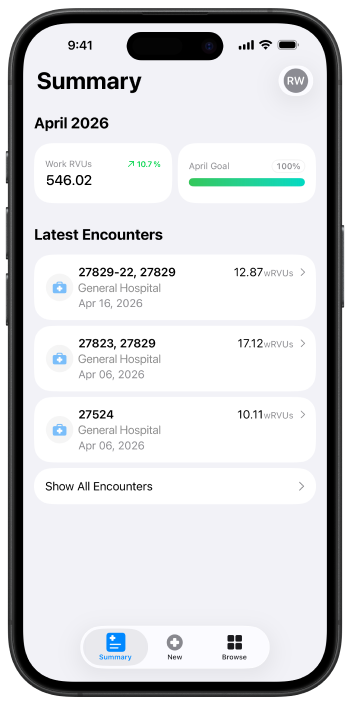
Personalize for you
Subscribe to RVU Wallet in the app. Apple manages your plan, billing, and renewals through the Apple ID connected to your device.
Subscribe to RVU Wallet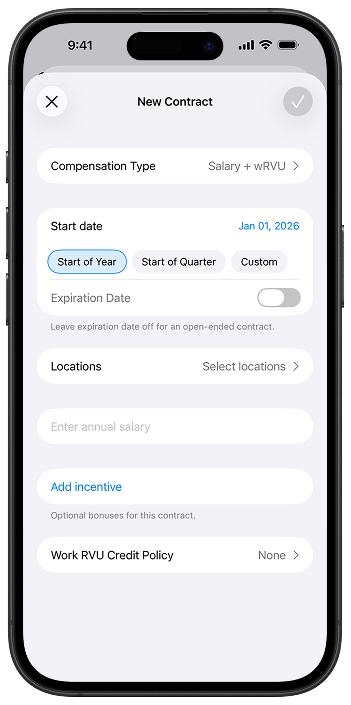
Make contracts work for you
Set up contracts and link them to your locations so RVU Wallet can apply the right rules when you record encounters.
Set up contracts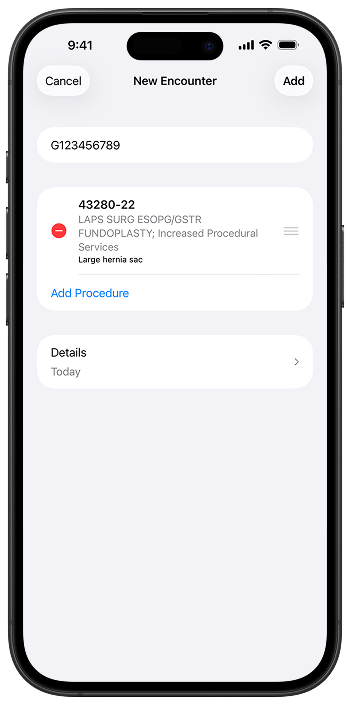
Capture encounters faster
Learn how to add encounters, select codes, and use favorites to speed up everyday documentation.
Prepare to record encounters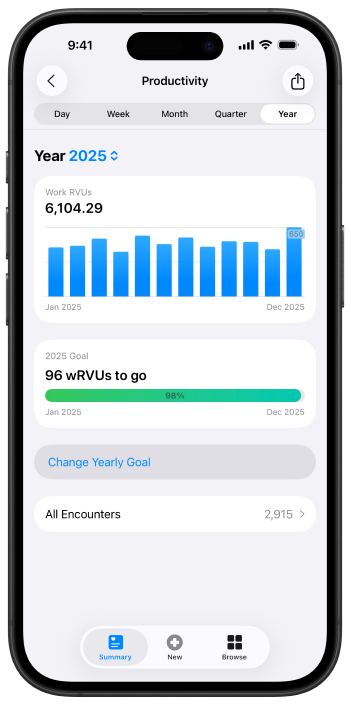
Track your productivity
Review trends over time, monitor your performance, and export your data when you need to share it.
Review productivity and encounter details